What's New in Price Parrot
New features. Faster workflows. Smarter pricing. Every update below is built from real merchant feedback, because the best pricing tool is one that actually solves your problems. Try PriceParrot free and see what's new.
Setting a minimum price used to mean choosing one approach: a flat figure, a percentage above cost, or a fixed offset. Useful, but limiting. Real pricing strategy rarely fits one variable.
Now you can combine them.
Your minimum and maximum price limits accept both a fixed amount and a percentage at the same time. Want your floor to sit at cost plus five dollars plus twenty percent? You can build that in one line.
How it works
In any repricing rule, set your minimum or maximum based on cost, compare-at price, or any other supported reference. Then add a fixed amount, a percentage, or both. The system applies them together when calculating the limit.
Example: floor = cost + $5 + 20% On a product with a $40 cost, your minimum becomes $54 ($40 + $5 + $8).
This works on both ends of the boundary, so you can apply the same logic to ceilings if you want a smarter cap.
Why merchants asked for this
Margin-aware pricing is rarely linear. Low-cost products often need a percentage buffer to stay profitable, while higher-cost items benefit from a flat dollar cushion. Combining both means your limits scale sensibly across your entire catalogue without requiring separate rules for different price tiers.

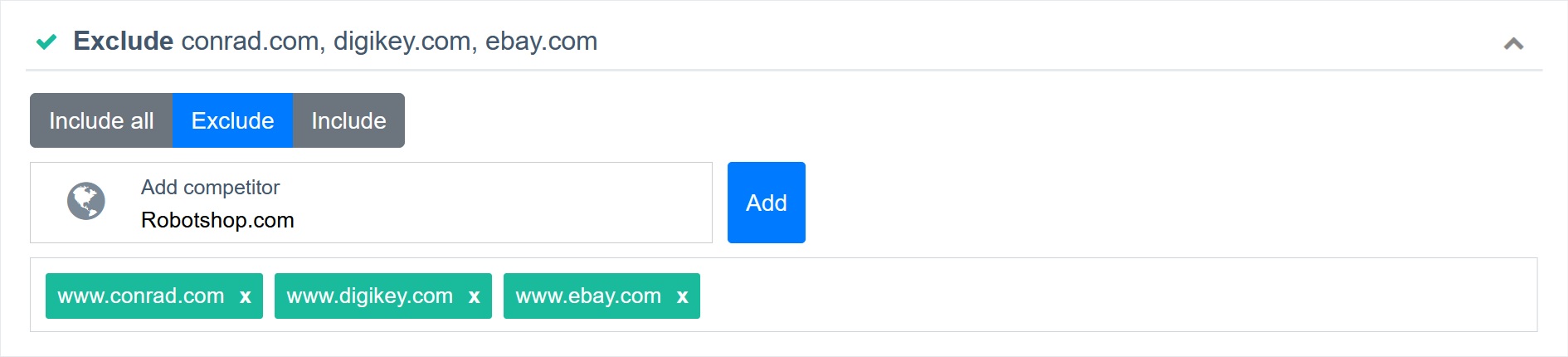
Some of our customers have matched as many as 500 competitors, and digging through that list to find just one to include or exclude from your repricing rules is like searching for a needle in a haystack.
That ends today. With our new Competitor Search control, you can pinpoint any competitor instantly. Simply start typing the name and watch the list filter in real time. No more scrolling through pages. Just search, select, and get back to pricing smarter.
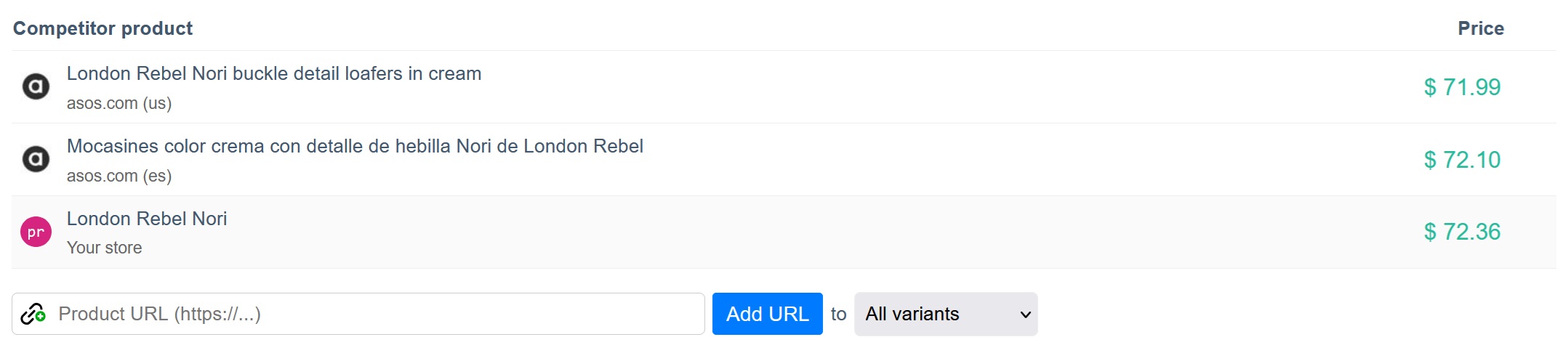
Ever felt like you were in a never-ending loop, pasting the same competitor link into every single variant of your product? Size 6… paste. Size 7… paste. Size 8… paste. By the time you hit size 12, you start wondering if you’re working in e-commerce or copy-pasting for a living.
With our latest enhancement, you can now add a competitor’s product URL to all variants of a product at once. No more repetitive clicks, just one link and you’re done. This means faster setup, perfect tracking across all variants, and more time to focus on strategies that actually help you sell.
Last year we opened up Price Parrot in English, Arabic, French, and Dutch, and the response made one thing clear: merchants want to manage their pricing in the language they actually think in. So we kept going.
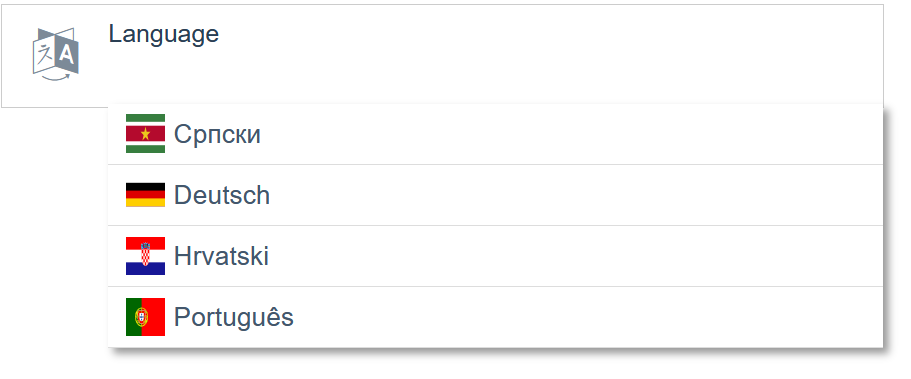
Starting today, you can switch your dashboard to four more languages:
- Deutsch (German)
- Hrvatski (Croatian)
- Srpski (Serbian)
- Português (Portuguese)
How to switch
Head to Settings → General and pick your language from the dropdown. The change applies instantly across every screen, alert, and settings panel.
We're not stopping at eight. If your team works in a language we haven't covered yet, tell us at support@priceparrot.io and we'll add it to the queue. Most of our language additions come straight from merchant requests, so yours genuinely moves the needle.
Sometimes a product needs to sit at a specific price and stay there. Maybe a brand sent you a MAP (Minimum Advertised Price) policy and a SKU needs to hold that exact figure. Maybe you're protecting a hero product from a temporary price war. Maybe you just want one item out of the repricing engine for a few weeks without deleting the rule that governs it.
Until now, the workaround was awkward: build a separate rule, exclude the product from your main rules, or disable repricing entirely on that SKU. None of it was clean, and switching back meant redoing the work.
MAP Price Override fixes that. Set a fixed price on any product, flip the override on, and that price holds. Flip it off, and the product slips back into your normal repricing logic with every rule and competitor match still intact.
How it works
Head to Settings → Repricing and find the new MAP Price Override toggle. You have three modes:
- Hidden - the field doesn't appear on product pages. Default for stores that don't need it.
- Show only - the MAP field appears on each product page so you can record values, but it doesn't override anything yet.
- Enabled - the MAP field appears and, when filled in, takes precedence over your repricing rules for that SKU.
Once you've picked a mode, open any product page in Price Parrot. You'll see a new MAP field. Enter a price, and that's the price the product will hold while the override is active. Clear the field or switch the global setting back to "Show only", and repricing resumes normally.
Why this matters
- Honour brand MAP agreements without dismantling your repricing strategy
- Pin promotional or anchor pricing on specific SKUs without rule surgery
- Toggle protection on and off across your catalogue from one place
- Keep all your repricing rules, competitor matches, and history exactly where they were

This feature came directly from a customer request, and we built it because the use case made sense for plenty of other merchants too. If there's something missing from your workflow, tell us at support@priceparrot.io. The best updates always come from you.
You now have full control over which product conditions affect your pricing. With our latest update, you can exclude multiple sales channel statuses, like used, refurbished, or open box, from your competitor analysis and pricing strategy.
This is especially useful for platforms like Google Shopping, where mixed-condition results can throw off your pricing insights.
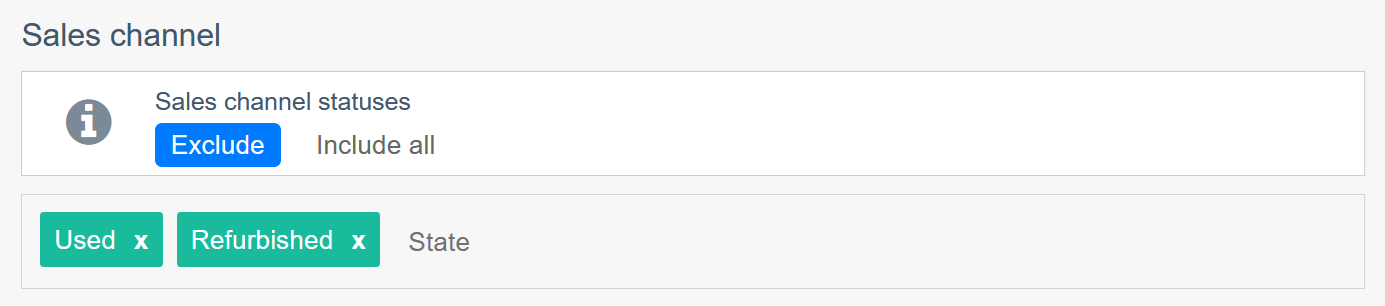
You can find the new feature in your settings.
You asked for more control, we delivered!
With our latest update, you can now choose whether newly imported products from your store are automatically disabled or stay enabled by default.
Want to adjust your cost, compare-at price, or fine-tune your rules before repricing kicks in? Just keep new products disabled by default. Once you're happy with the setup, enable them when you're ready. This gives you the breathing room to make smarter pricing decisions without the pressure of instant automation.

You can toggle the new feature in your settings.
You’ve been tracking competitors like a pro, now it’s time to keep an eye on your own products too.
We’ve added a new “My stock changes” alert option, so you can now receive email reports when your own products go in stock or out of stock. No more surprises when a listing disappears or restocks without notice.
But that’s not all, we also added a handy filter for all stock-related alerts. Want to see only out-of-stock updates? Or just the ones that are back in stock? Now you can. Choose from In stock, Out of stock, or Any to stay in control of the notifications you receive.
Set it up from your Alerts Overview and stay one step ahead, even with your own inventory.

We’ve introduced multi-language support to make managing your prices feel more familiar, no matter where you are or what language you prefer.
You can now switch your dashboard language to English, العربية, Français, or Nederlands. Head over to Settings → General and choose the language that suits you best.
This is just the start. We're actively adding more languages based on your requests, so let us know what you'd like to see next!

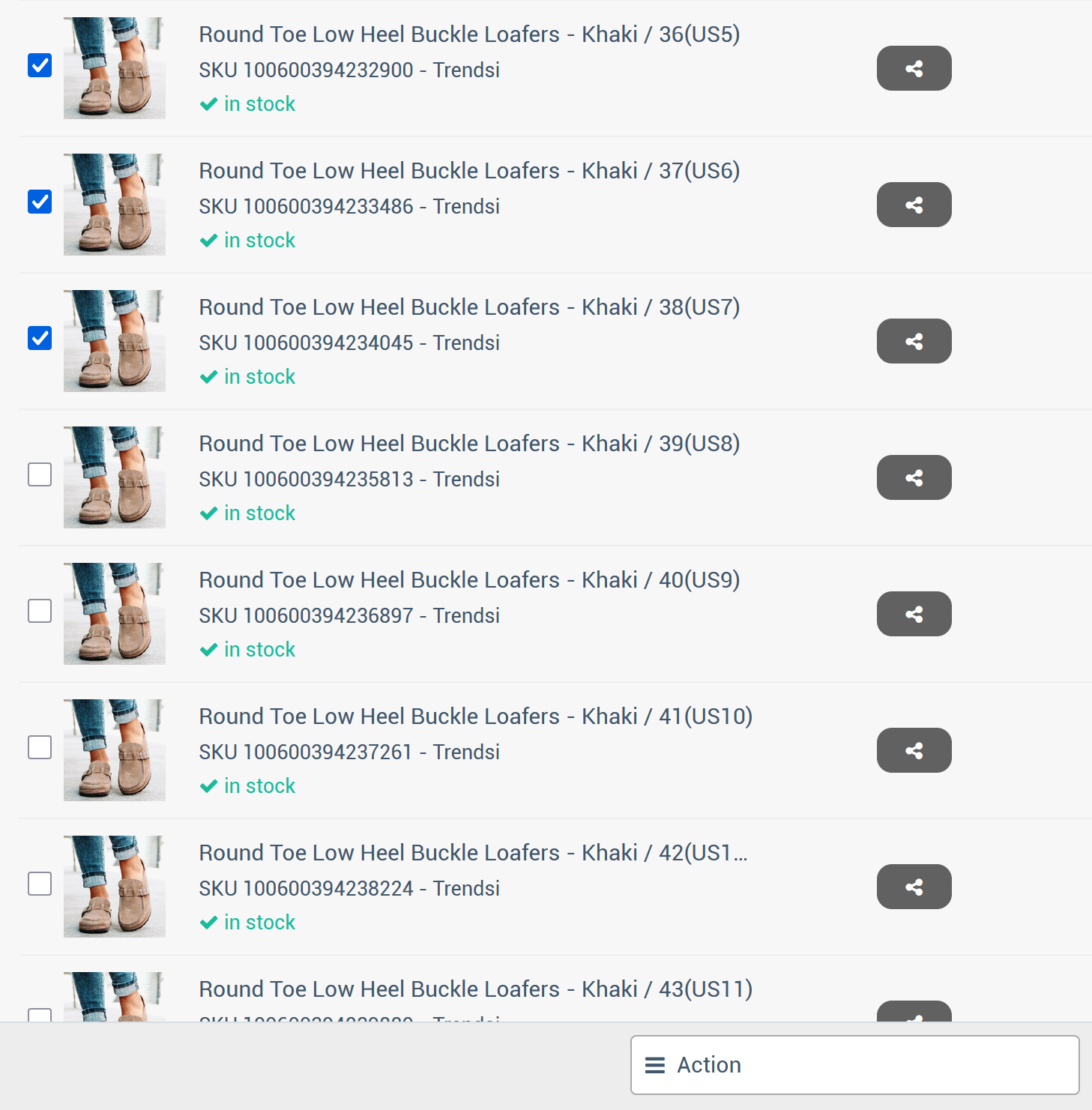
Managing products one by one? Not anymore. We’ve added a powerful new Bulk Update feature that lets you select multiple products at once and quickly enable or disable them with just a few clicks.
Perfect for spring cleaning your listings, pausing seasonal items, or simply speeding up your workflow, no more repetitive toggling.
This update is all about saving time and giving you more control over your product list.
Try it now from your Product Overview and manage smarter, not harder.